Add Blur to Images in Seconds For Free
Enhance your images with stunning blur effects using our free online tool. Whether you want to blur backgrounds, create depth, or add artistic touches, our easy-to-use photo editor makes it simple. No signup required.
Upload image
Drag or drop your image here or click to upload

Why Choose ImgGen's Photo Blur Editor?
- Quick and Easy
- Blur images online instantly. No complex software or skills needed. Perfect for beginners and pros alike.
- Versatile Effects
- Multiple blur options available. Create stunning background blurs, motion effects, and artistic photo edits effortlessly.
- Mobile-Friendly
- Blur photos on the go with our free app. Edit anywhere, anytime. Ideal for social media and quick touch-ups.


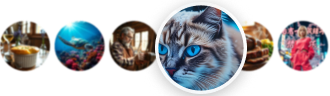
Make Your Subject Stand Out with Blur Effects
Bring attention to what matters most in your photos. With ImgGen’s blur tool, you can soften backgrounds and make your subject stand out in seconds. Perfect for portraits, product shots, or social media posts, it lets you easily adjust the blur to create a professional look. Just upload your image, add the blur, and download for free.
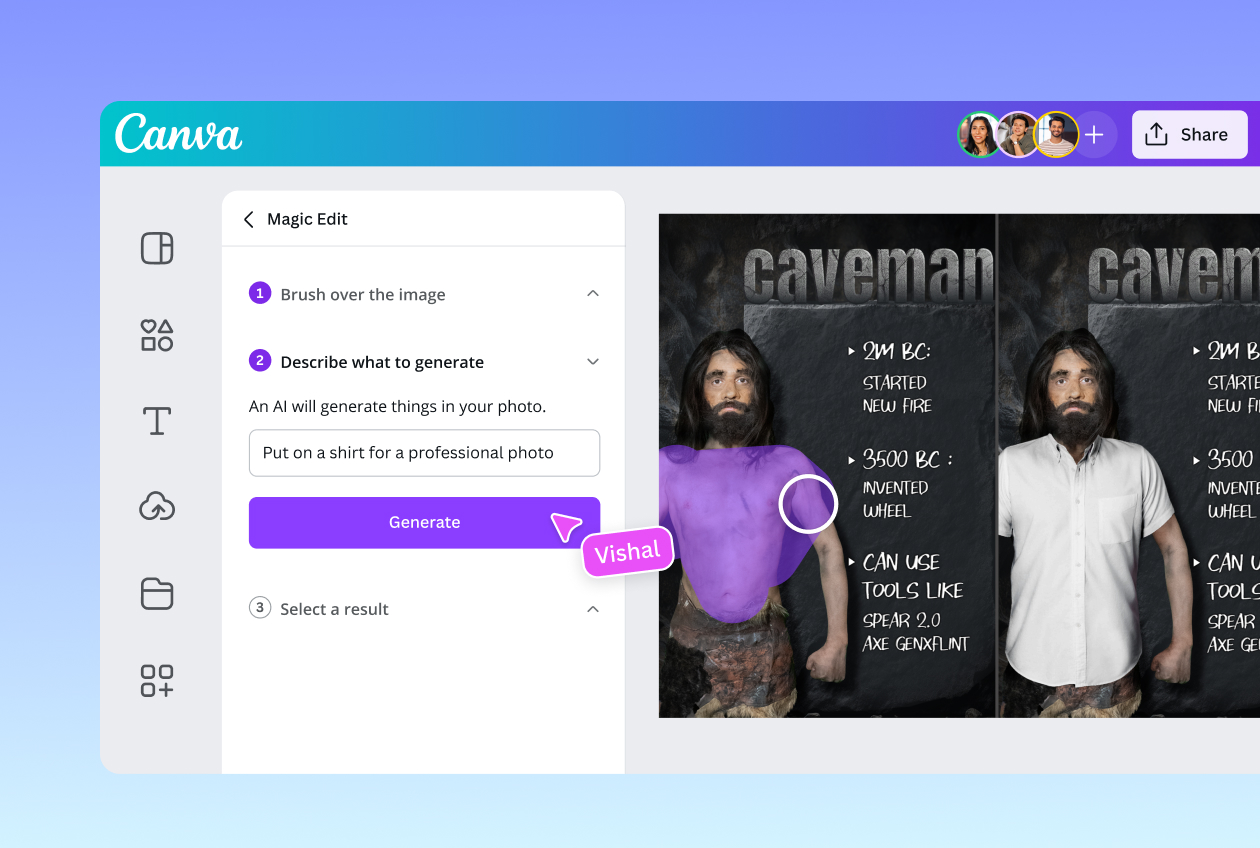

Customize Your Blur Effects with Precision
Fine-tune your image blur to perfection with our advanced customization tools. Adjust blur strength, fade intensity, and explore various blend modes to achieve your desired look. From subtle background softening to dramatic focus effects, our user-friendly sliders and options let you create professional-quality blurred images in seconds.
How to Blur an Image in 3 Easy Steps?
Blur your photo in just a few simple steps.
- Upload Your Photo
- Choose an image from your device or drag and drop it into our online blur tool. Supports JPG, PNG, and WEBP formats.
- Apply Blur Effect
- Use our intuitive slider to adjust blur intensity. Select from various blur types like background blur, motion blur, or radial blur.
- Save and Share
- Download your blurred image in high quality or share it directly to social media with just a few clicks.


More Tools for Your Creativity
Discover more AI-powered tools to enhance your creative process.