What is image compression?
Image compression reduces a photo's file size by re-encoding its pixel data. Lossy compression (JPG, WebP, AVIF) discards minor detail for far smaller files, while lossless compression (PNG) preserves every pixel. ImgGen does both directly in your browser — your images are never uploaded.
JPG vs PNG vs WebP vs AVIF: Which Format Compresses Best?
Each format makes a different trade-off between file size, quality, and compatibility. This table shows when to use each.
| Format | Compression | Transparency | Best for | Typical size |
|---|---|---|---|---|
| JPG | Lossy | No | Photographs | Baseline |
| PNG | Lossless | Yes | Graphics, logos, transparency | Largest (lossless) |
| WebP | Lossy + lossless | Yes | All-round web images | ~25–34% smaller than JPG |
| AVIF | Lossy + lossless | Yes | Maximum compression | ~50% smaller than JPG |
Size figures: lossy WebP is 25–34% smaller than comparable JPEG (source: Google Developers); AVIF is ~50% smaller than JPEG at equivalent quality (source: web.dev).
How much can you compress a Image file?
How small a file gets depends on its content and the format you choose. Photographs with lots of detail compress less than flat graphics or screenshots. As a rule of thumb, re-saving a JPG at 75–80% quality cuts its size by 60–80%, and converting to WebP or AVIF can take a typical 4 MB photo down to a few hundred kilobytes with no visible loss.
To hit a specific target — say under 100 KB, 200 KB, or 1 MB for an email attachment or upload limit — lower the quality slider and watch the live output size, or switch to WebP/AVIF for a smaller starting point. Compression changes file size only; it never alters the image's pixel dimensions. If you also need fewer pixels, resize or upscale the image first.
Tip: compression reduces file size by re-encoding, not by cropping or downscaling. To change width and height, resize the image before compressing. Upscale an image if you need more pixels, not fewer.
Why Use Our Image Compressor
Fast, private, and free — reduce file size without sacrificing quality.
Real File-Size Reduction
Re-encode images at your chosen quality and watch the file size drop — often by 50–90% — while keeping them sharp.
100% Private
Compression runs entirely in your browser. Your images are never uploaded to a server, so nothing leaves your device.
Quality Control
A simple slider lets you balance file size against visual quality, with the result preview updating instantly.
Convert While You Compress
Output to JPG, PNG, WebP, or AVIF — switch formats to find the smallest file for your use case.
Instant & Free
No queues, no sign-up, no watermark. Compress as many images as you like, completely free.
Any Device
Works in any modern browser on desktop, tablet, or mobile — no app or extension required.
How to Compress Image Files
Three simple steps — no upload, no waiting.
Upload Your Image
Drag and drop or select an image (up to 25 MB). JPG, PNG, WebP, and AVIF are all supported.
Choose Quality & Format
Pick your output format and adjust the quality slider — the compressed size updates live.
Download
Download your compressed image instantly. Nothing is uploaded — it all happens in your browser.
Shrink file size without losing quality
Large image files slow down websites and fill up storage. Our compressor reduces file size dramatically while preserving the sharp detail and color your images deserve.
Perfect for websites, email, and social media — get faster load times and smaller files without any visible loss in quality.
Compress an Image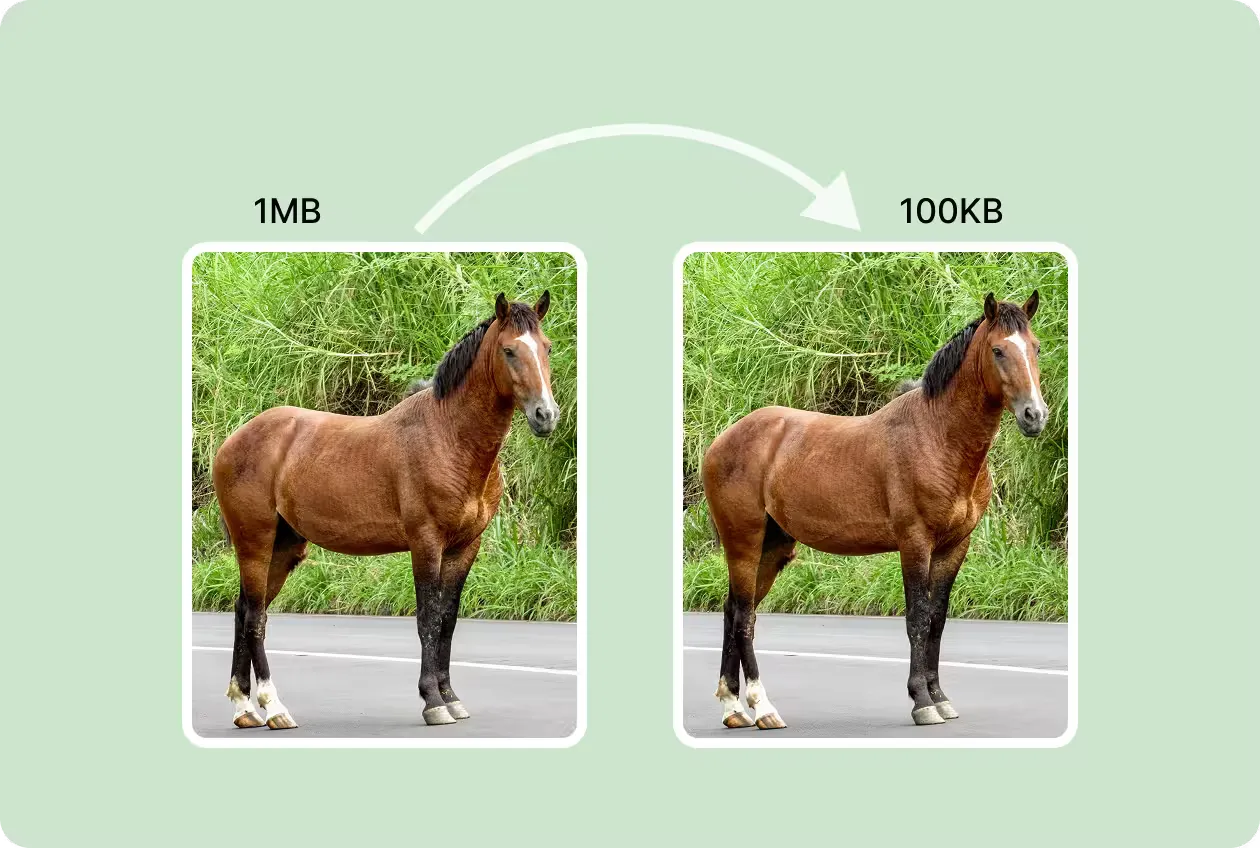
Faster Websites, Easier Sharing
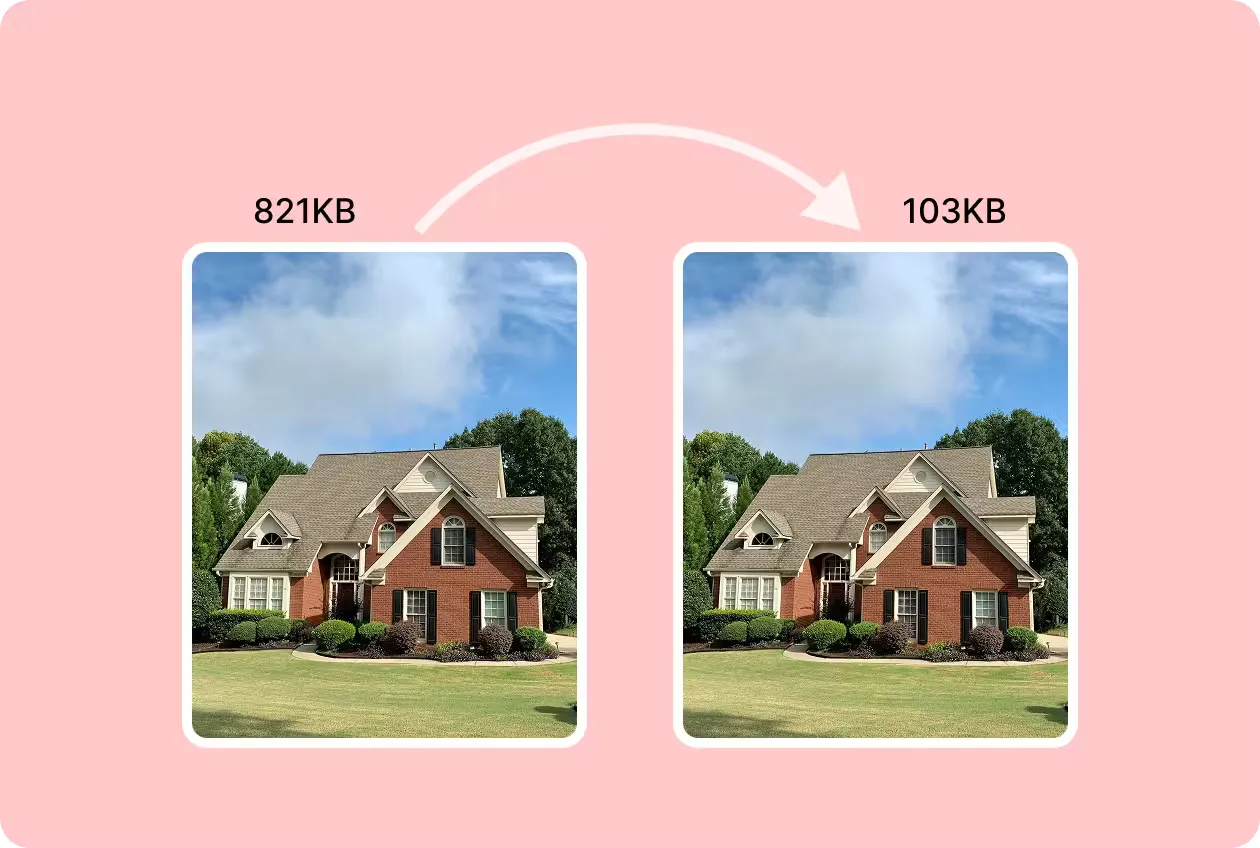
Smaller images mean faster page loads, happier visitors, and better SEO. Compress your photos so your site performs at its best.
Send images by email, upload to social media, and free up storage — all without the hassle of bulky files. No skills, no software, no cost.
Compress Image NowMore Tools for Your Creativity
Discover more AI-powered tools to enhance your creative process.